 SlicePeek
Your MRI on your phone. In seconds.
Open the CT, MRI or X-ray scan the hospital gave you, from a copied CD, a ZIP from the patient portal or a USB stick. No computer, no account, no upload.
Your images never leave your phone.


For iPhone, iPad, Android and Mac. Not a medical device: for viewing only.
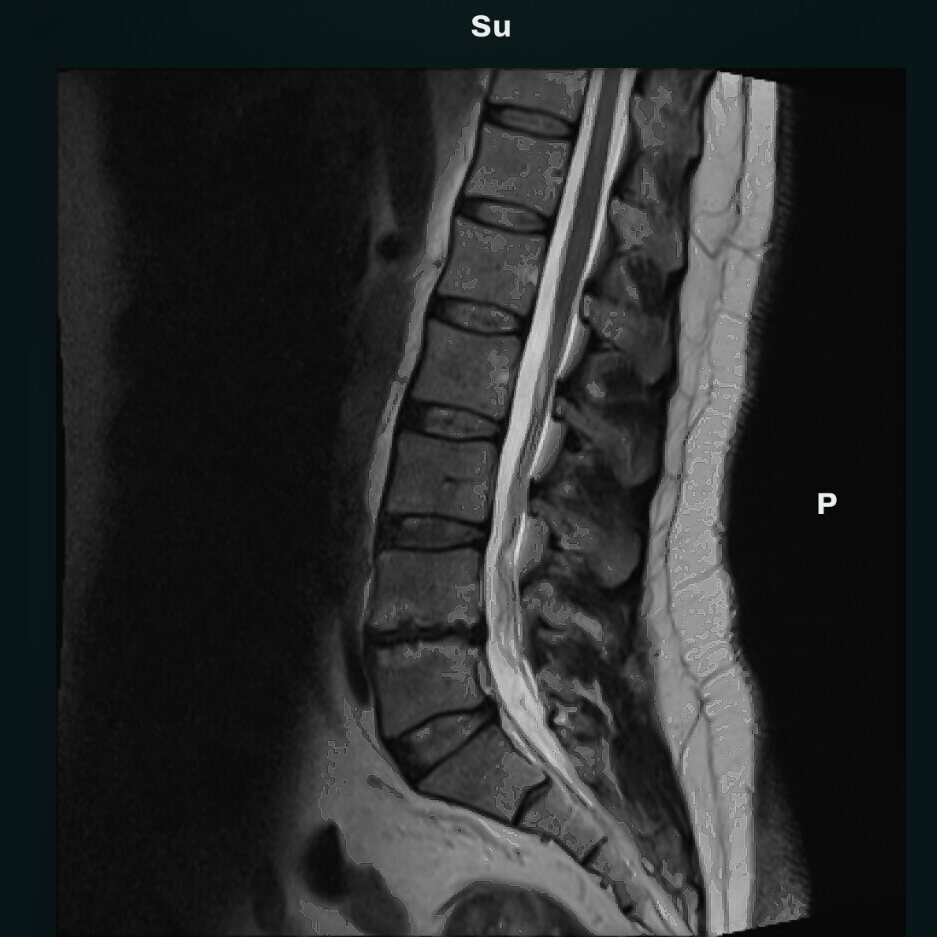
Opens the files you actually get
The hospital CD
Copy it to a USB stick or your cloud and import the whole folder. Here's how.
A ZIP from the portal
Downloaded your images from the clinic's website? Open the ZIP as it is: SlicePeek unpacks it on your phone.
USB-C stick
On iPhone and Android with USB-C, pick it in the Files app like any folder.
Files with no extension
Many CDs have files called IM0001, with no .dcm. SlicePeek recognises them by their content and skips the Windows programs on the CD.
Every scan hung in its place
Scans are grouped by person, like prints in a gallery room. When you open one, the lights go down and only the image stays lit.
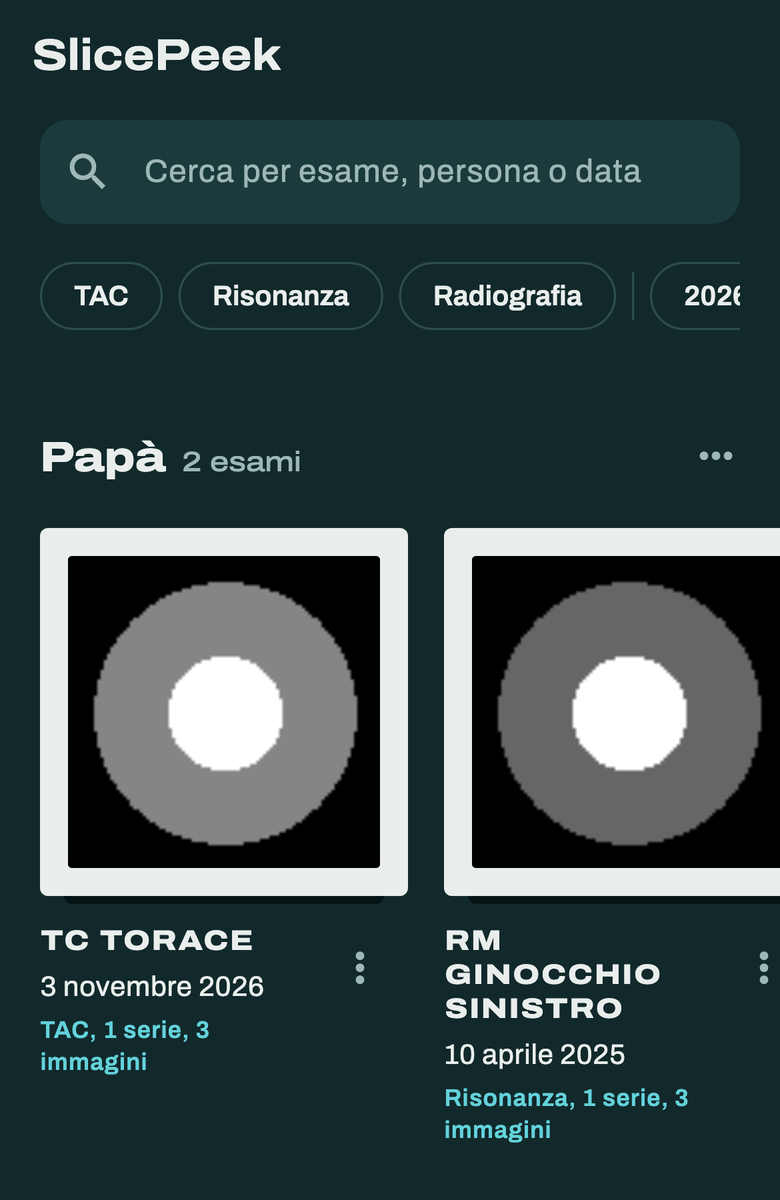
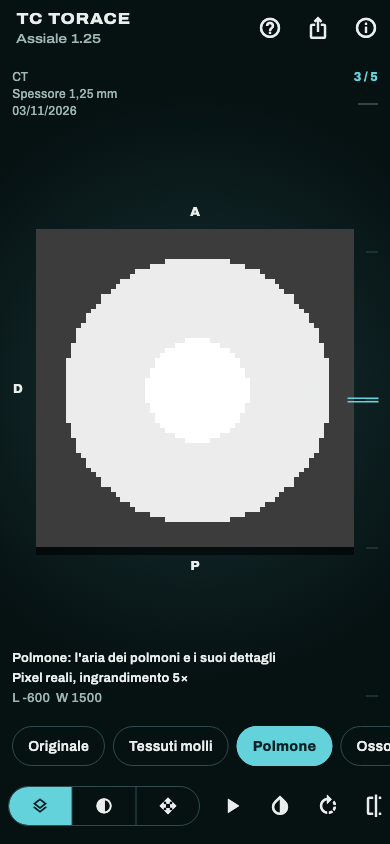
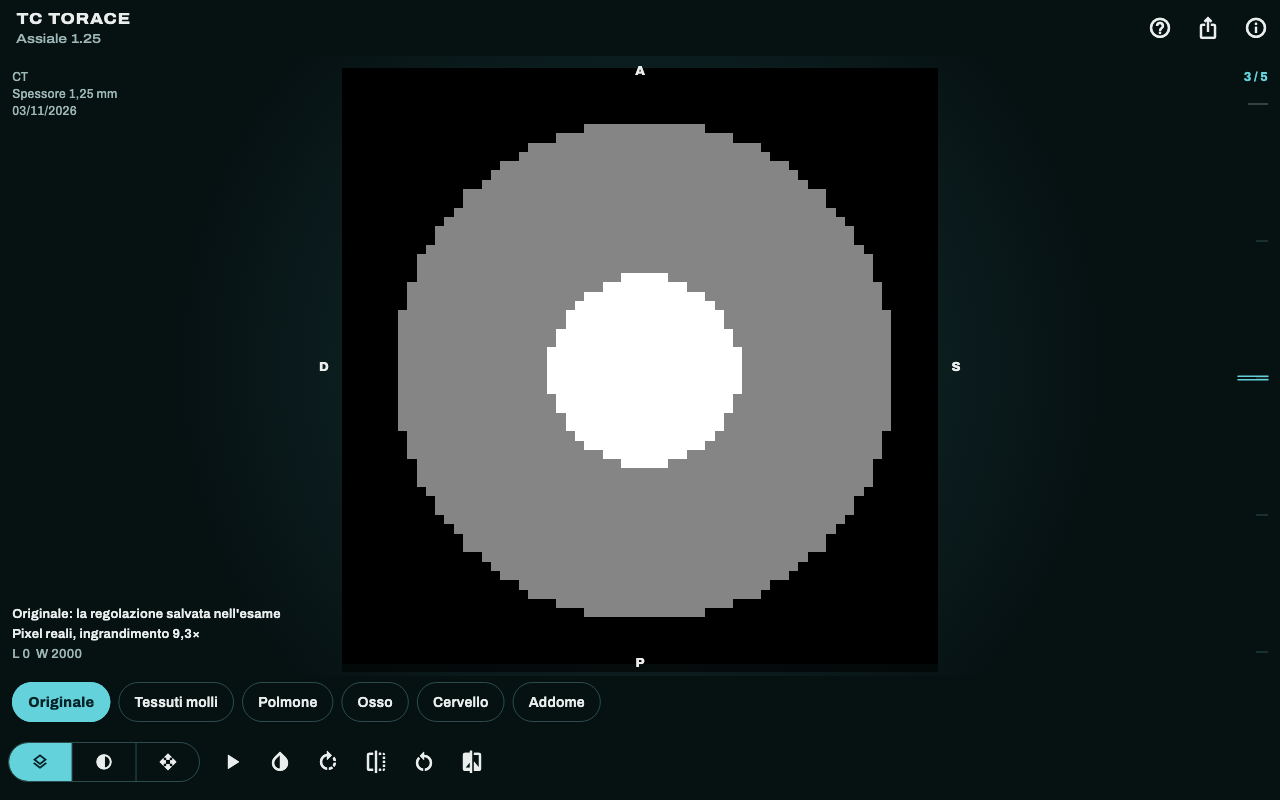
App captures (Italian interface) with a synthetic phantom, not real people's scans.
See your images the way they were taken
Scroll the slices
A CT or MRI is hundreds of images: scroll them with your finger, with a "45 / 210" counter, or play them as a loop.
Brightness and contrast
Drag to adjust, or use the bone, lung, brain, soft tissue and abdomen presets. A grey CT becomes readable.
Neatly organised
Scans grouped by person, date and series. Keep a parent's or a child's scans too.
Name hidden
The patient's name is not shown on the image, so you can show your screen without worry.
Zoom, rotate, invert
Zoom into a detail, rotate or flip the image, invert it like a negative.
What scan is this?
Plain-language cards on CT, MRI and X-ray, and on what axial, coronal and sagittal mean.
New in 2.0
Front, side and 3D
Coronal and sagittal views next to the axial one, and a 3D view you turn with your finger.
Measurements
Ruler, angle and area, drawn by you. They are indicative only, not for diagnostic use.
Scans over time
A person's scans in date order, and two scans side by side on the same area.
PDF for your visit
A summary with the scan details, the images and the notes you choose, to bring to your doctor.
Images and videos without your name
Export an image, a video of the slices or a 3D model, with no name or personal data.
On iPad and Mac
The same app on bigger screens. On a Mac you can also receive scans from a device on your local network.
Your scans stay yours
SlicePeek works offline. There is no account, cloud or server: your images are copied only into the app's storage on your phone and never reach us.
No upload
No file leaves your device unless you export it. You can use the app in airplane mode.
No data collected
No analytics, ads or tracking. The privacy label on the stores reads "No data collected".
Delete any time
Delete a scan with one tap. Uninstalling the app removes everything.
See your scan first, then decide
The free version imports your scan and shows your first series in full. Pro unlocks everything else. No weekly subscriptions.
Free
€0
- Import CDs, ZIPs and folders
- 1 scan in the library
- Preview of every series
- First series in full
- Zoom, rotate and invert
Pro monthly
€5.99 / month
- Every series
- Presets and brightness/contrast
- Coronal, sagittal and 3D views
- Indicative measurements
- Scans side by side and over time
- Images, videos, PDF for your visit and 3D model
- Unlimited library
Pro yearly
€29.99 / year
- Everything in Pro
- 7-day free trial
Pro forever
€49.99 once
- Everything in Pro
- No subscription
Prices in the euro area, VAT included. Local prices are shown in the app. Purchases handled by Apple or Google. On Apple devices, Pro works on iPhone, iPad and Mac with the same Apple Account.
Only have the CD?
Phones can't read CDs. Here's a step-by-step guide to get the images onto your phone, and to open them on Windows or Mac even without SlicePeek.
Frequently asked questions
Does SlicePeek tell me what's in my images?
No. SlicePeek is for viewing your scans, not interpreting them: it does not flag findings or give advice. To understand what your images show, talk to your doctor.
Are my images uploaded anywhere?
No. The app has no account and no server: files stay in the app's storage on your phone. We collect no data: no analytics, ads or tracking.
Can my phone open the CD directly?
No phone reads CDs. You need a computer with a drive (an external USB one works) to copy the contents to a USB stick or your cloud, or ask the clinic for a download. Full guide.
Which scans does it open?
CT, MRI, X-ray and many ultrasound images in DICOM, the standard format of hospitals and imaging centres. Images can be stored with different compressions: if a file won't open, the app tells you and you can write to us.
A file won't open. What now?
Write to info@neurafit.it with the type of scan and the message you see. Please don't send us the images: the compression name the app shows is all we need.
Can I show the images to my physiotherapist?
Yes, you can show them on your phone: the patient's name is hidden.
What about the PDF on the CD?
The written document that comes with the scan is usually a separate PDF on the CD or the portal and opens in any PDF reader. SlicePeek shows the images.
Can I keep scans of several people?
Yes, the library groups scans by person: yours, a parent's, a child's. The free version keeps one scan at a time.
Does it work on iPad and Mac?
Yes. On iPhone, iPad and Mac you buy Pro once and it works on all your Apple devices with the same Apple Account. On Android it is bought separately on Google Play.
How do I cancel my subscription?
In your App Store or Google Play settings, like any subscription. "Pro forever" is paid once and never renews.
Questions, or a scan that won't open?
Write to info@neurafit.it. SlicePeek is made by NEURAFIT S.R.L. in Italy, the team behind ShapePeek and PointPeek.