 LightPeek
LED light remote
Your LED lights.
One remote.
Change the color, brightness and effects of compatible Bluetooth LED strips and Magic Home controllers from your phone at home.
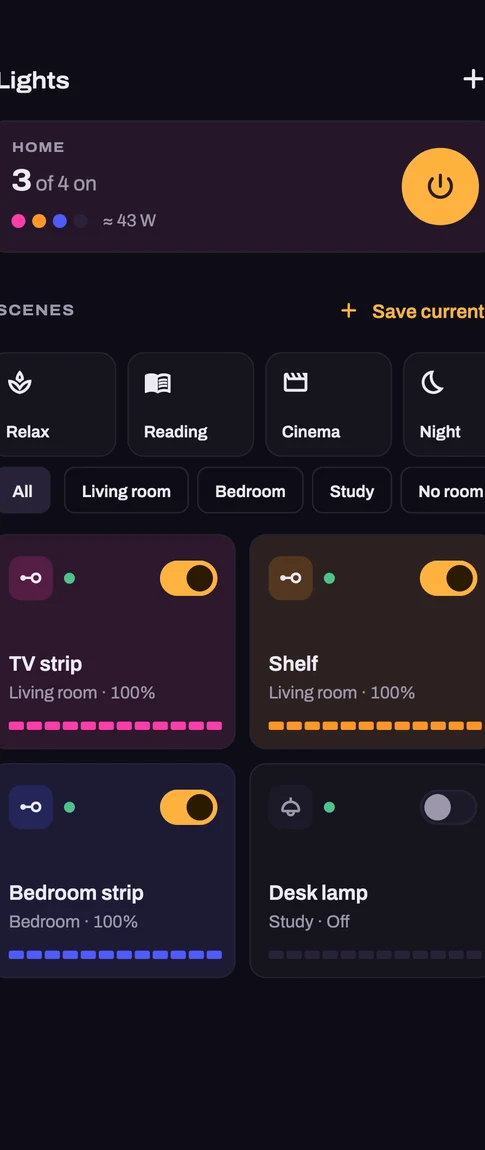 Controllers
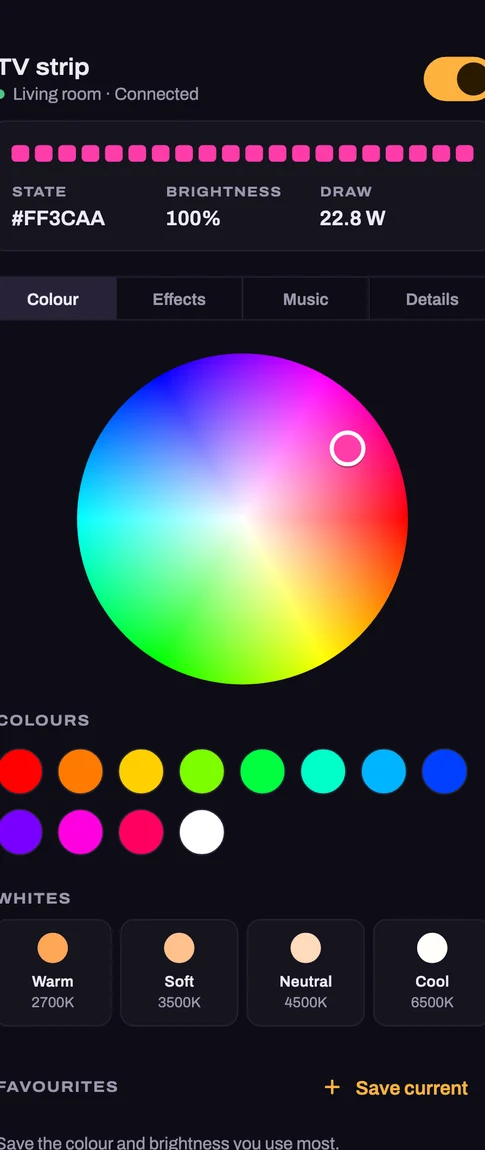 Color and brightness
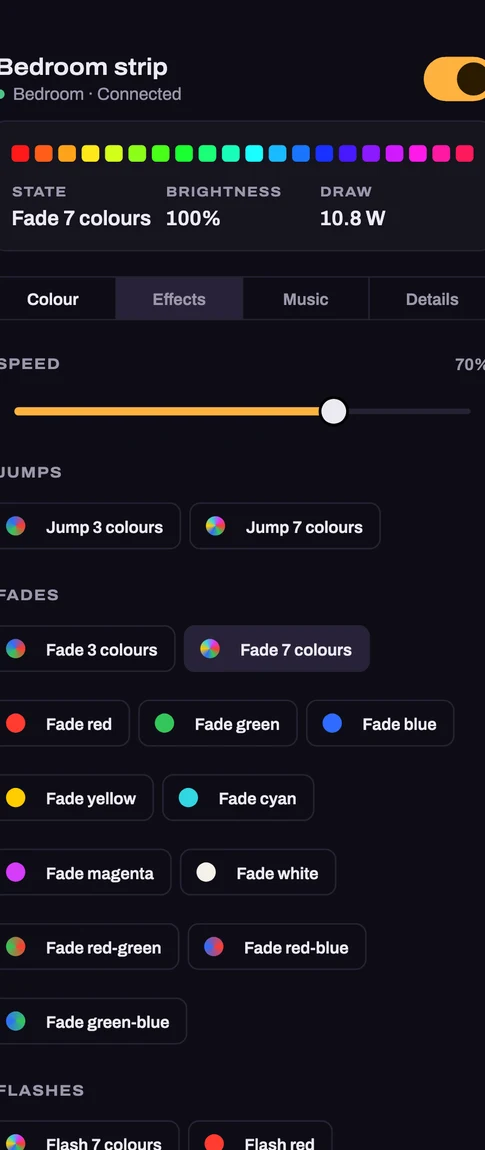 Effects
Set the light you want
Pick a color and brightness
Use the color wheel, ready-made colors and adjustable whites. A dedicated white channel is available on controllers that support it.
Set the mood
Switch from a Cinema scene to reading light, or choose an effect and adjust its speed.
Find your controller
Scan results identify supported and experimental devices. You can check compatibility in the free version.
Bluetooth and local Wi-Fi
Recognized Bluetooth controllers include ELK-BLEDOM, ELK-BLEDOB, MELK, LEDBLE, Triones and LEDBlue. LightPeek also supports Magic Home Wi-Fi controllers on your home network. Philips Hue, Govee, WiZ and Tuya / Smart Life are unsupported.
Controls stay on your local network
LightPeek uses Bluetooth or local Wi-Fi to control your lights. Music mode uses the microphone without recording audio. No account is required.
Frequently asked questions
The strip does not connect
Close the original app: the controller takes one phone at a time. Keep the strip on and close by, then tap Retry.
Colours are wrong (yellow looks green)
Open the light → Details → Colour order and try another order until red looks red.
The strip ignores commands
For ELK controllers try Details → Variant → Alternative.
My Wi-Fi controller got a new address
No need to add it again: LightPeek finds it by its MAC. If it does not show up, use Add by IP address.
My controller is not listed
From the search, tap Send report: an email with the Bluetooth name opens, and you see it before sending.
How do I cancel LightPeek Pro?
In your Apple Account settings (Subscriptions) or in Google Play → Payments & subscriptions.