 LabelPeek
Bluetooth label maker
Design the label.
Print it from your phone.
Create text labels, QR codes, barcodes and photos for compatible Bluetooth label makers and mini thermal printers. Check the preview before you use paper.
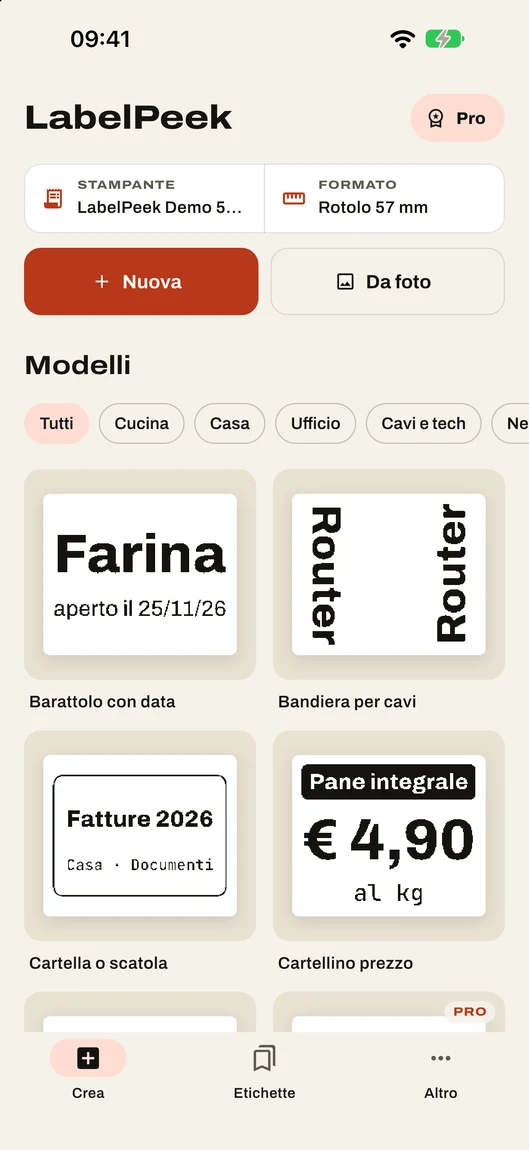 Templates
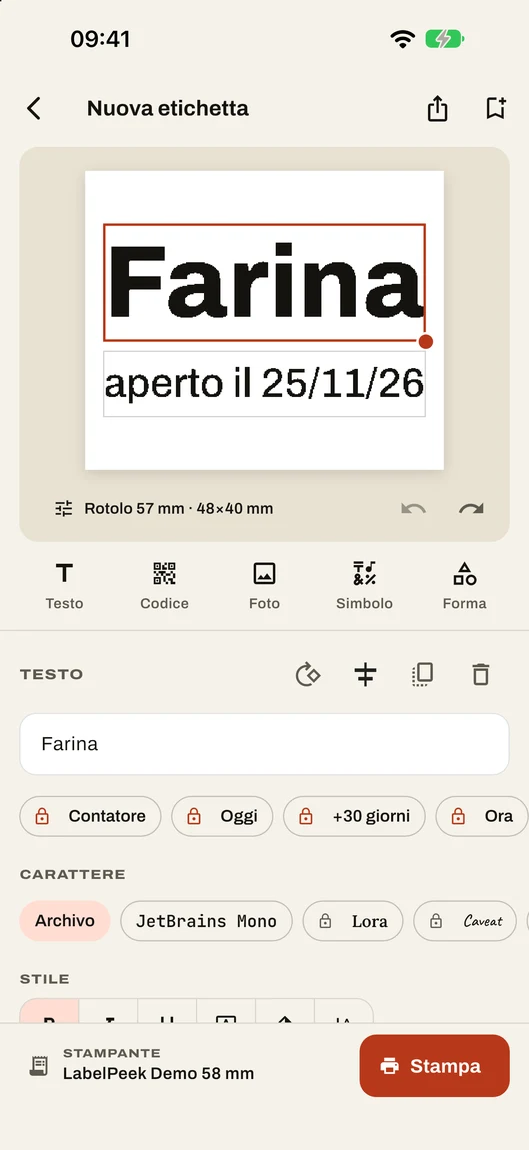 Editor
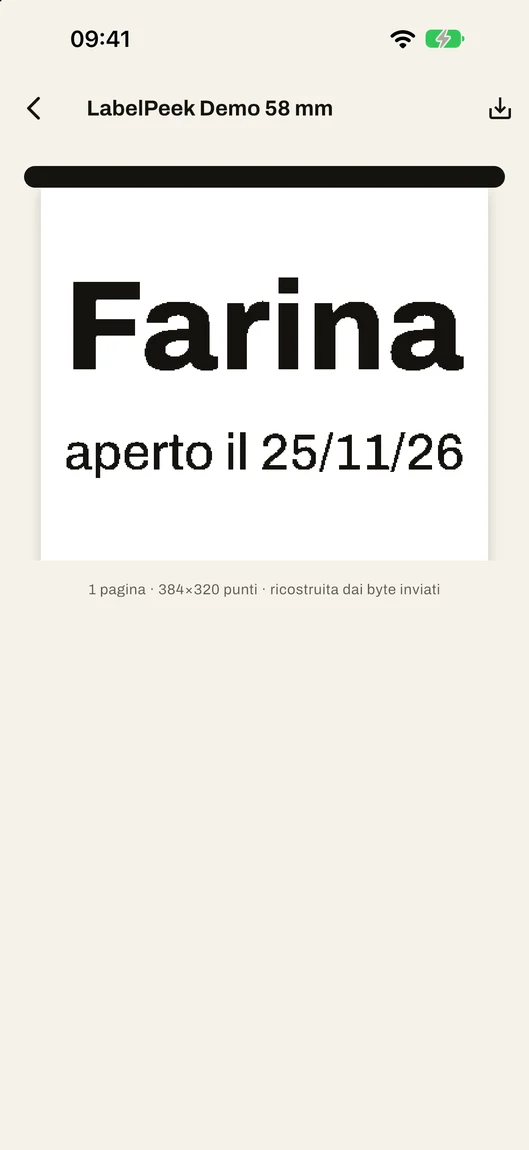 Print preview
The app is being prepared for release.
From editor to paper
Make it yours
Start with a template for jars, cables or folders. Adjust the text, size and orientation in the editor.
Check the print preview
The preview uses the print head’s actual pixels. Check placement and rotation on your chosen paper size.
Add a code or photo
Create a Wi-Fi QR code, generate a barcode or prepare a photo for thermal printing.
For Bluetooth LE label makers
LabelPeek works with a range of Niimbot and Phomemo models and GB/MX mini thermal printers. Compatibility depends on the model. The demo lets you see how printing works on a virtual roll.
Labels stay on your device
LabelPeek requires no account. Bluetooth connects to your printer, and you choose photos through the system picker.
Frequently asked questions
Can I try it without a printer?
Yes. The demo simulates a 58 mm printer and a 12 mm printer and previews the result.
Can I use continuous paper?
Choose a profile for continuous paper or gap labels, depending on what your printer supports.
How do I check my printer?
If you’re unsure about compatibility, email us with the brand and exact model.
Need a hand?
Email us at dev@neurafit.it.